 Jo
JoTimer modes
Countdown, count up, clock and end-time workflows, with additional modes depending on your license.
Precision timing for productions of every size. Run multiple timers, build dedicated display views and keep your entire team in sync.
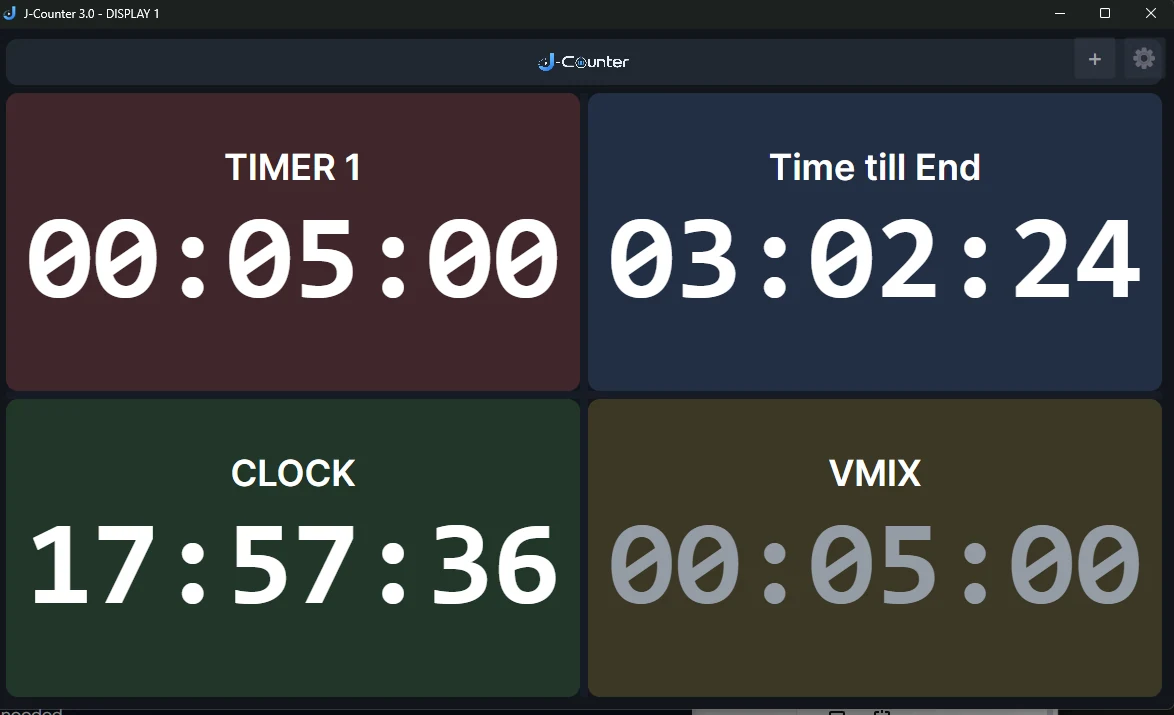
Flexible timer modes and professional display tools in one streamlined interface.
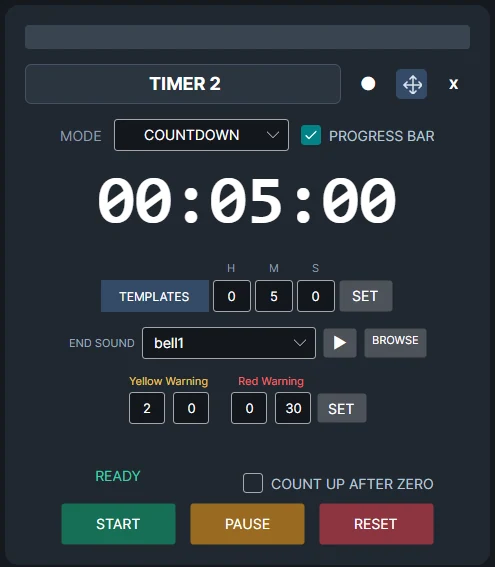
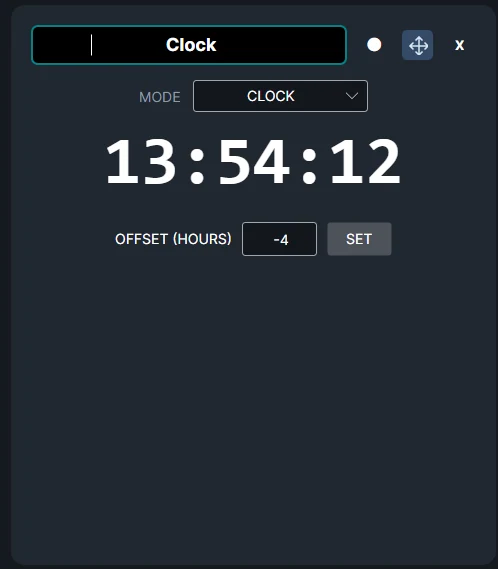
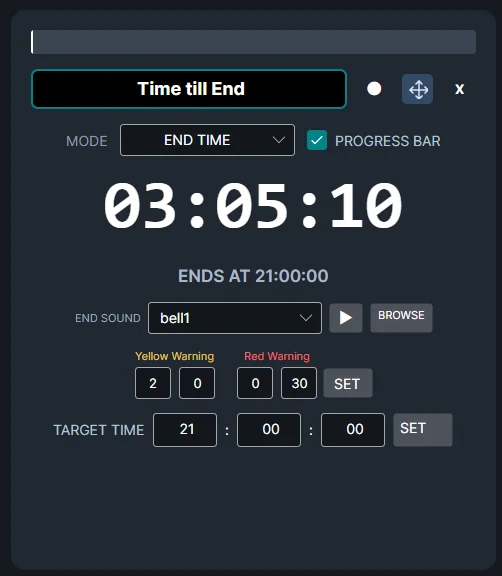
Countdown, count up, clock and end-time workflows, with additional modes depending on your license.
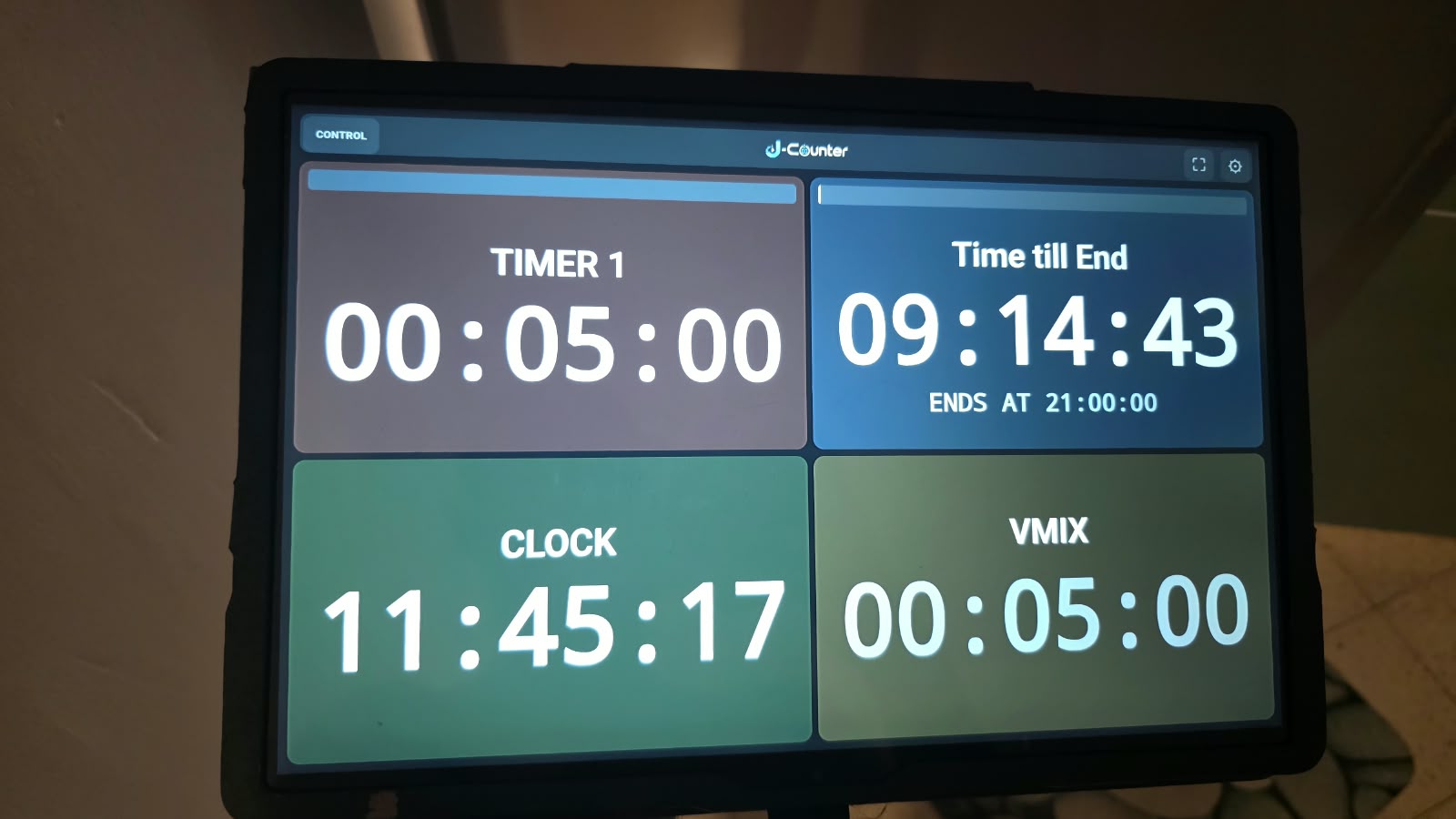
Combine multiple timers in readable presentation displays that adapt to the available space.
Bring timing information to connected devices over your production network.
Configure yellow and red warnings to communicate approaching deadlines clearly.
Organize timed rounds and send important on-screen messages with supported licenses.
Specialized modes and integration features for more complex production setups.
Click an image to see the actual interface in more detail.
J-COUNTER stays clear and readable on dedicated tablets and monitors, making it easy to place timing information exactly where your crew needs it.
Compare features across available editions. Expand the chart for a larger view.
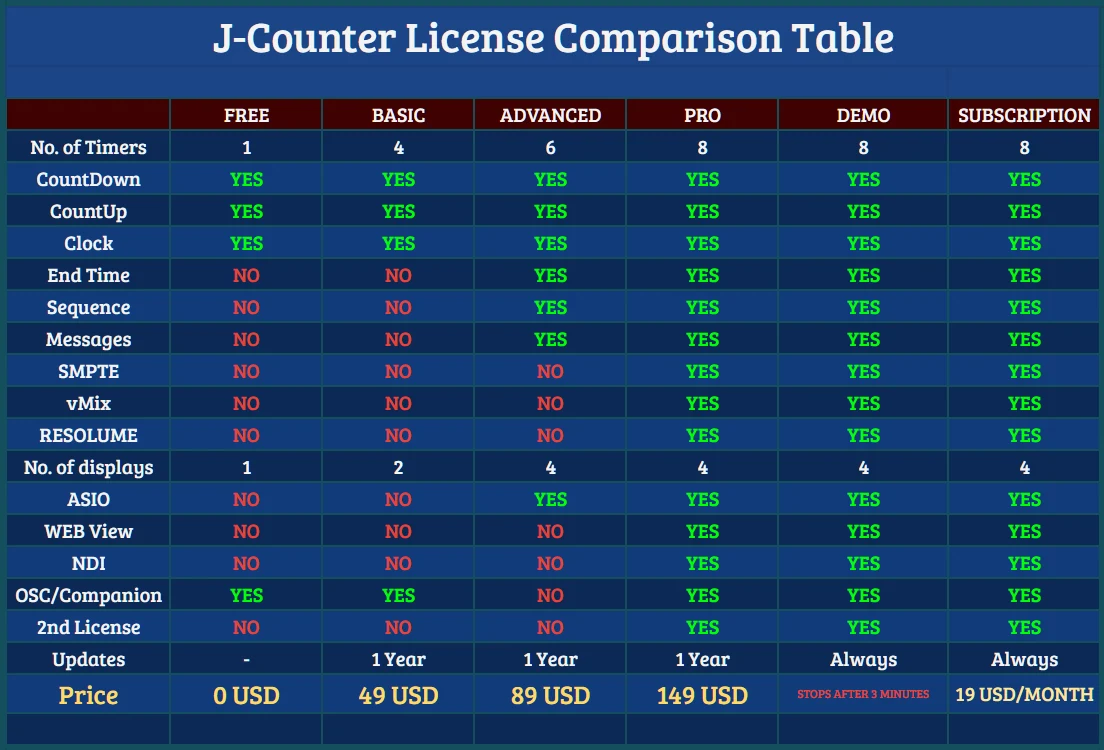
Perpetual licenses are one-time purchases with updates included throughout the J-COUNTER 3.x series.

Use a single purchase page for all available editions, or replace the buttons below with direct checkout links for each license.